
A Mitti alternative for Windows
WareCue is video cue playback and show control software for Windows. It gives you a Mitti-style cue list with a GO button, independent video and audio outputs, scheduling and kiosk mode, so live events and exhibitions can run on a standard Windows PC. Mitti runs on macOS only; WareCue runs natively on Windows, with macOS supported too.
Free trial with every Master feature. Outputs carry a watermark until you buy a licence. No credit card.
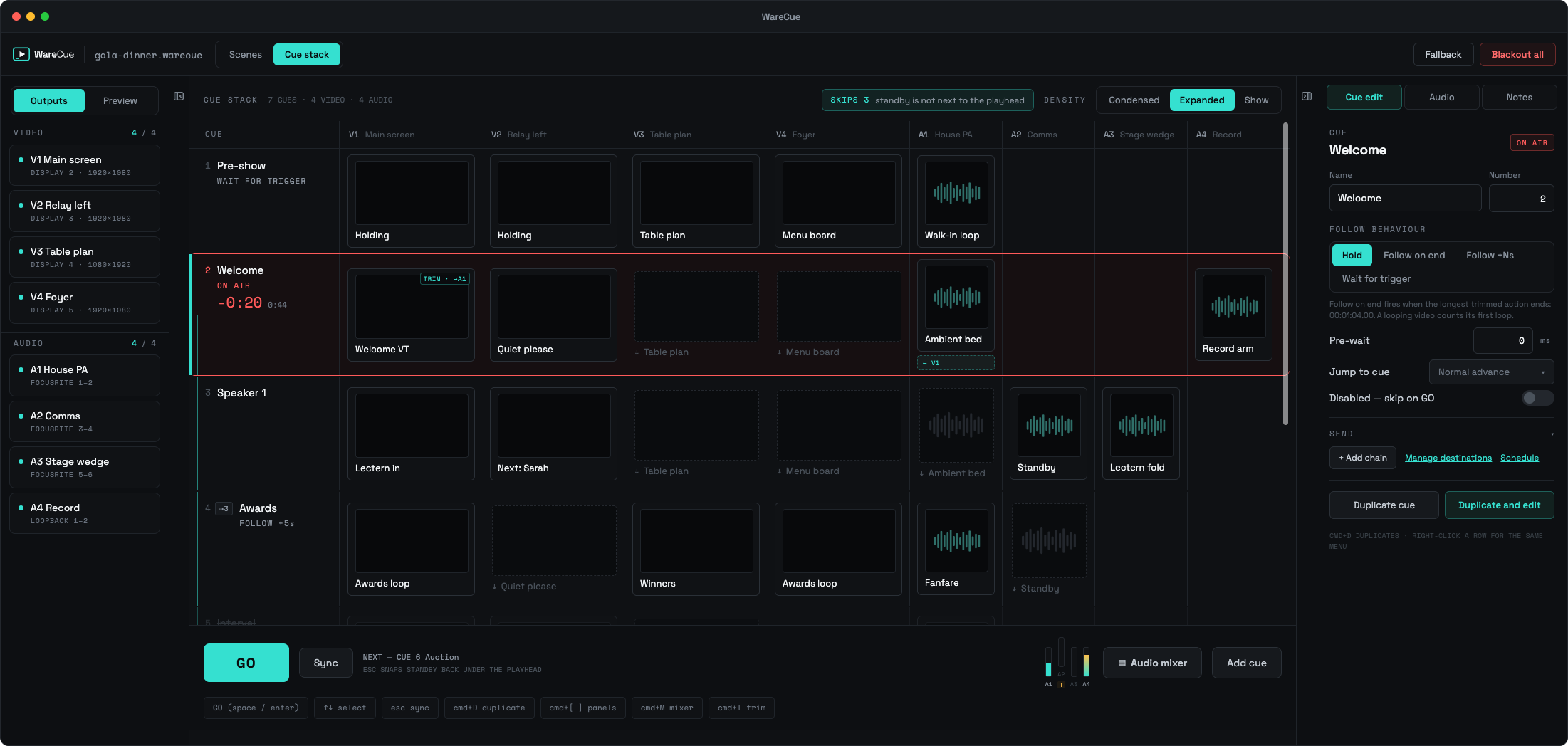
WareCue on Windows, cue by cue
What WareCue is, in one table
| WHAT IT IS | Cue-based video and audio playback and show control |
|---|---|
| PLATFORM | Windows and macOS |
| OUTPUTS | Up to 4 video + 4 audio per machine (Master); add 4 + 4 per Node over the network |
| WORKFLOW | Cue list with playhead and standby, a GO button, decimal cue numbers such as 4.1 |
| UNATTENDED RUNNING | Auto-start, kiosk mode on restart, scheduled cue stacks |
| LICENSING | Offline activation by pasting a key — no internet needed at the venue |
| BACKUP | A Master licence includes 2 activations for an A/B backup machine |
| PRICE | Solo £199 one-off · Master £249/yr or £29/mo · Node £99/yr |
| TRIAL | Free, full Master features, watermarked outputs |
Built for the people running the room
Can you run Mitti on Windows?
No. Mitti is macOS software, so there is no Windows version to install. Windows users either buy a Mac for playback or use a Windows tool built for cue-based playback, such as WareCue.
The difference that matters: the platform
| WARECUE | MITTI | |
|---|---|---|
| Runs on Windows | Yes — runs natively | No |
| Runs on macOS | Yes | Yes |
| Cue list with a GO button | Yes | Yes |
Mitti is macOS-only. For its current feature set and pricing, see imimot.com — we only make firm comparisons we can verify.
What you get with WareCue on Windows
When Mitti is still the right choice: if your whole kit is Mac-based and your operators already know Mitti well, stay with it. WareCue is for teams that run Windows, or mixed fleets that need one tool on both.
Everything you need to run the show
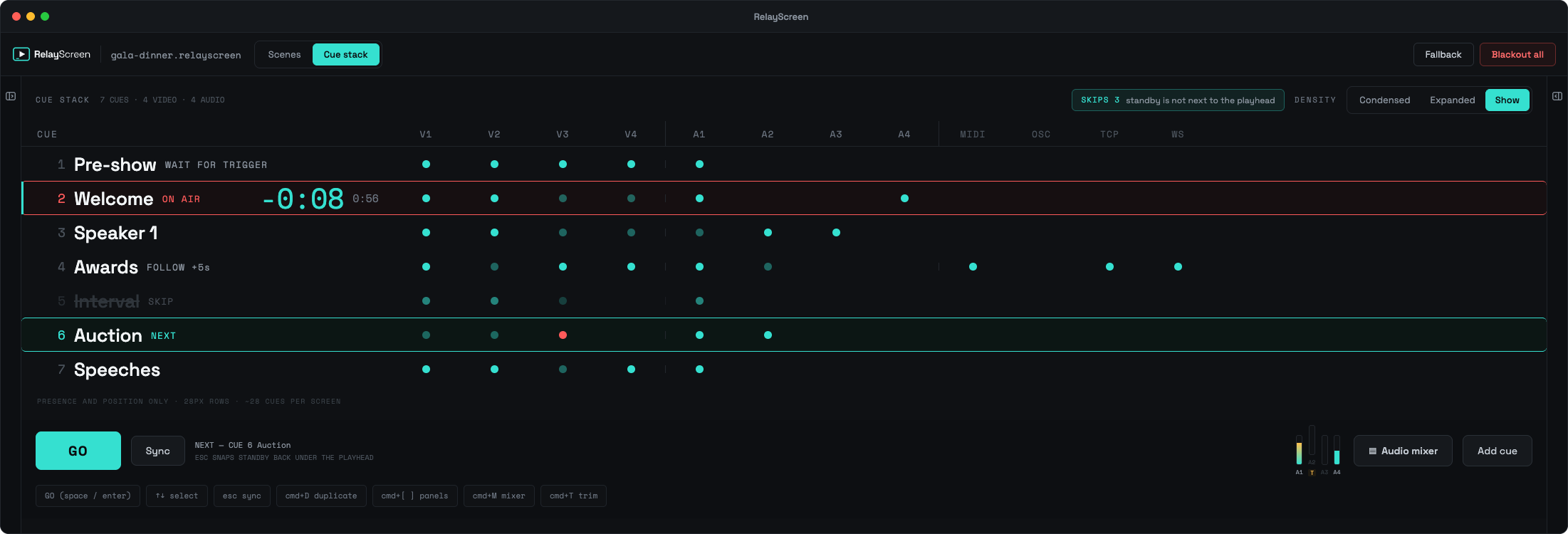
Simple licences, offline activation
| LICENCE | PRICE | OUTPUTS | BEST FOR |
|---|---|---|---|
| Trial | Free | Full Master features, watermarked | Testing your show |
| Solo | £199 one-off | 1 video + 1 audio, inbound triggers only | Single screens, exhibits |
| Master | £249/yr or £29/mo | 4 video + 4 audio, outgoing sends, 2 activations | Events, multi-screen shows |
| Node | £99/yr | Adds 4 video + 4 audio to a Master over the network | Larger installs |
Full breakdown on the pricing page.
Mitti on Windows, answered
Is there a Windows version of Mitti?
No. Mitti only runs on macOS. WareCue is a Windows alternative with a similar cue-and-GO workflow for video playback.
What is the best Mitti alternative for Windows?
WareCue is built for this exact job: cue-based video playback for live events and exhibitions on Windows, with independent outputs, scheduling and kiosk mode.
Can WareCue play video on several screens from one PC?
Yes. A Master licence drives up to 4 independent video outputs and 4 audio outputs from one machine. Node licences add more outputs on other PCs.
Can WareCue run a museum or exhibition display unattended?
Yes. It can start with Windows, reopen in kiosk mode after a restart, and follow a schedule so playback starts and stops with your opening hours.
Does WareCue need an internet connection?
No. Licences activate offline by pasting a key, which suits firewalled venue and museum networks.
How much does WareCue cost?
Solo is £199 one-off. Master is £249 a year or £29 a month. Node is £99 a year. The trial is free with watermarked outputs.
Does WareCue run on Mac as well?
Yes. WareCue runs on Windows and macOS, so mixed Windows and Mac kit can use one tool.
Run your next show on Windows
Download the free trial, build your cue list, and press GO. Buy a licence when you are ready to remove the watermark.
WINDOWS + MACOS · FREE TRIAL · NO CARD REQUIRED
Made by WareCo.Tech — multi-output media playback and show control. About WareCue.
LAST UPDATED 9 OCTOBER 2026